> For the complete documentation index, see [llms.txt](https://docs.geoprismregistry.com/llms.txt). Markdown versions of documentation pages are available by appending `.md` to page URLs; this page is available as [Markdown](https://docs.geoprismregistry.com/version/v2.0.0/explore/explorer/adding-a-geo-object.md).
# Adding a Geo-Object
{% hint style="info" %}
The System Administrator, Registry Administrators and Registry Maintainers can edit Geo-Objects directly. Registry Contributors' edits are submitted as change requests.
{% endhint %}
1. Start a new Geo-Object in one of these ways:
* On a working version of a list, click **Add Geo-Object**.
* In the Layer Panel, click **Add New Geo-Object** next to a working-version layer. 
For a group, choose which Geo-Object Type to add in **Select a Geo-Object Type**.
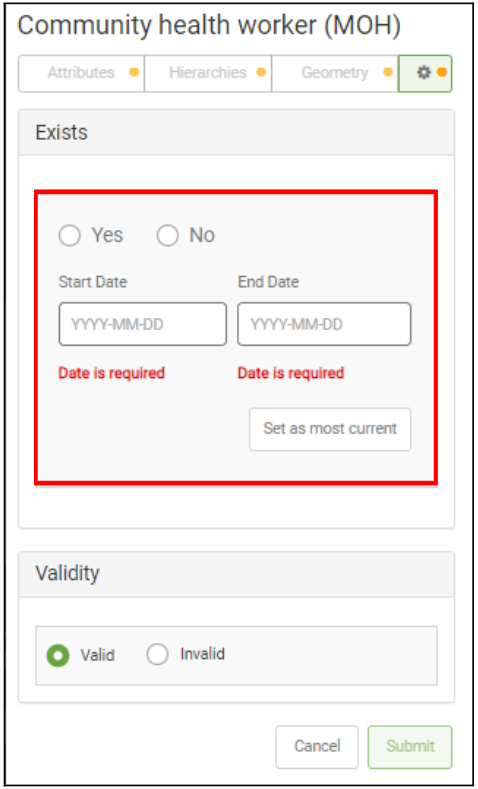
2. On the gear tab, set when the Geo-Object **Exists**: select **Yes** and enter the start and end dates. The other tabs are available once this is filled in. Check that **Validity** is set to **Valid**.
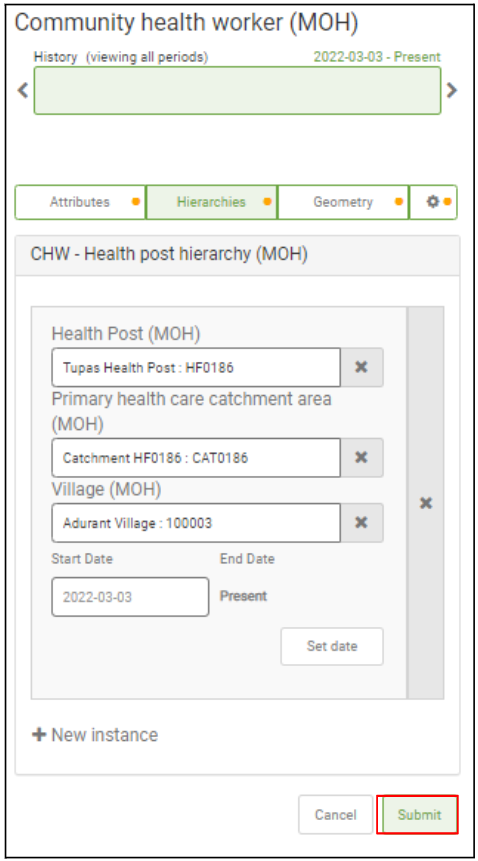
3. Fill in the **Attributes**, the parents on the **Hierarchies** tab and, if geometry editing is enabled, the **Geometry**.
4. Click **Submit**, or **Submit A Change Request** with a **Reason** if you're a Registry Contributor.
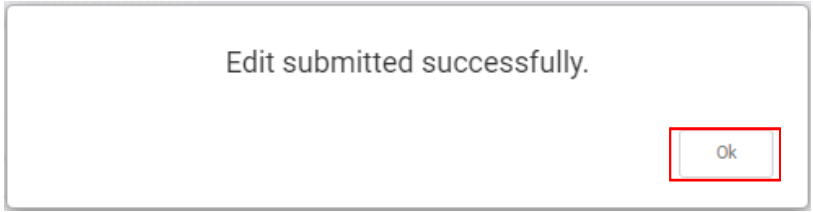
5. A message confirms the Geo-Object was submitted. Click **Ok**.