> For the complete documentation index, see [llms.txt](https://docs.geoprismregistry.com/llms.txt). Markdown versions of documentation pages are available by appending `.md` to page URLs; this page is available as [Markdown](https://docs.geoprismregistry.com/version/v2.0.0/deployment-and-setup/configuration-based-type-setup/configuration-based-type-setup.md).
# Import type definitions
{% hint style="warning" %}
Importing and exporting type definitions can only be done by a System Administrator.
{% endhint %}
## Importing types
1. Go to the **Geo-Objects and Hierarchies** page from the sidebar and make sure **Geo-Object Types** is selected at the top of the list.
2. Click **Import Types** at the top of the page.
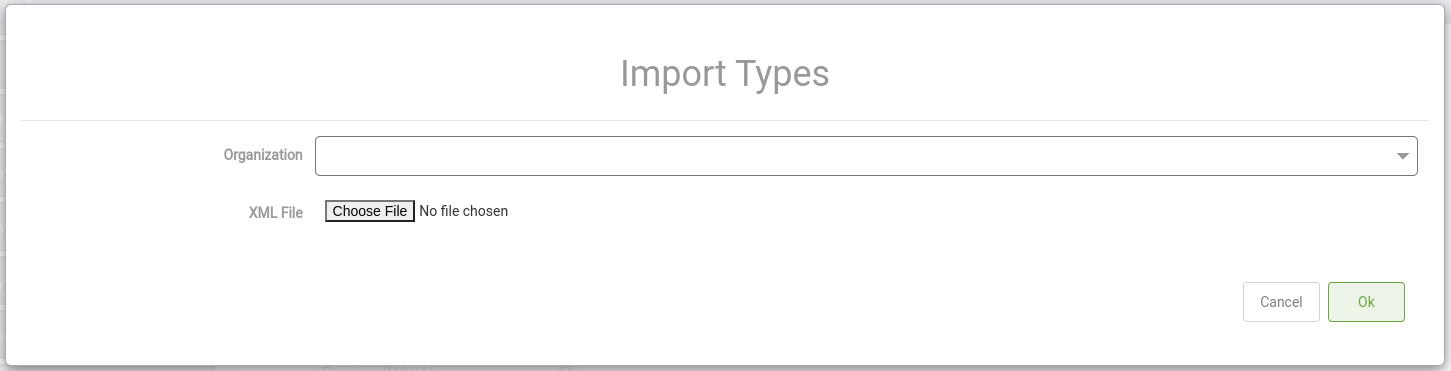
3. In **Import Types**, select the **Organization** the types will belong to, and choose the **XML File** with the type definitions. Only the types inside that organization's `` element are imported. See [Configuration-based type setup](/version/v2.0.0/deployment-and-setup/configuration-based-type-setup.md) for the file structure.
4. Click **Ok**.
## Exporting types
To create a type definition file from an existing instance:
1. On the **Geo-Objects and Hierarchies** page, click **Export Types**.
2. Select the **Organization** and click **Ok**. An XML file of that organization's types downloads to your computer.
The exported file uses the same format as the import, with a few differences: directed acyclic graph and undirected graph types are written outside any organization, Concept Sets and label attributes aren't included, and classification attributes are written in a form the import doesn't read. Check and adjust the file before you import it into another instance.