> For the complete documentation index, see [llms.txt](https://docs.geoprismregistry.com/llms.txt). Markdown versions of documentation pages are available by appending `.md` to page URLs; this page is available as [Markdown](https://docs.geoprismregistry.com/version/v2.0.0/configure/geo-objects-and-hierarchies/hierarchies/manage-the-content-of-the-hierarchy.md).
# Managing the content of the hierarchy
{% hint style="info" %}
Registry Administrators can add and/or remove Geo-Object Types or groups to the hierarchies for the organization they are a part of.
{% endhint %}
{% hint style="info" %}
Geo-Object Types or groups from organizations you are not a member of can also be added to a hierarchy from your organization.
{% endhint %}
## Adding Geo-Object Types to a hierarchy
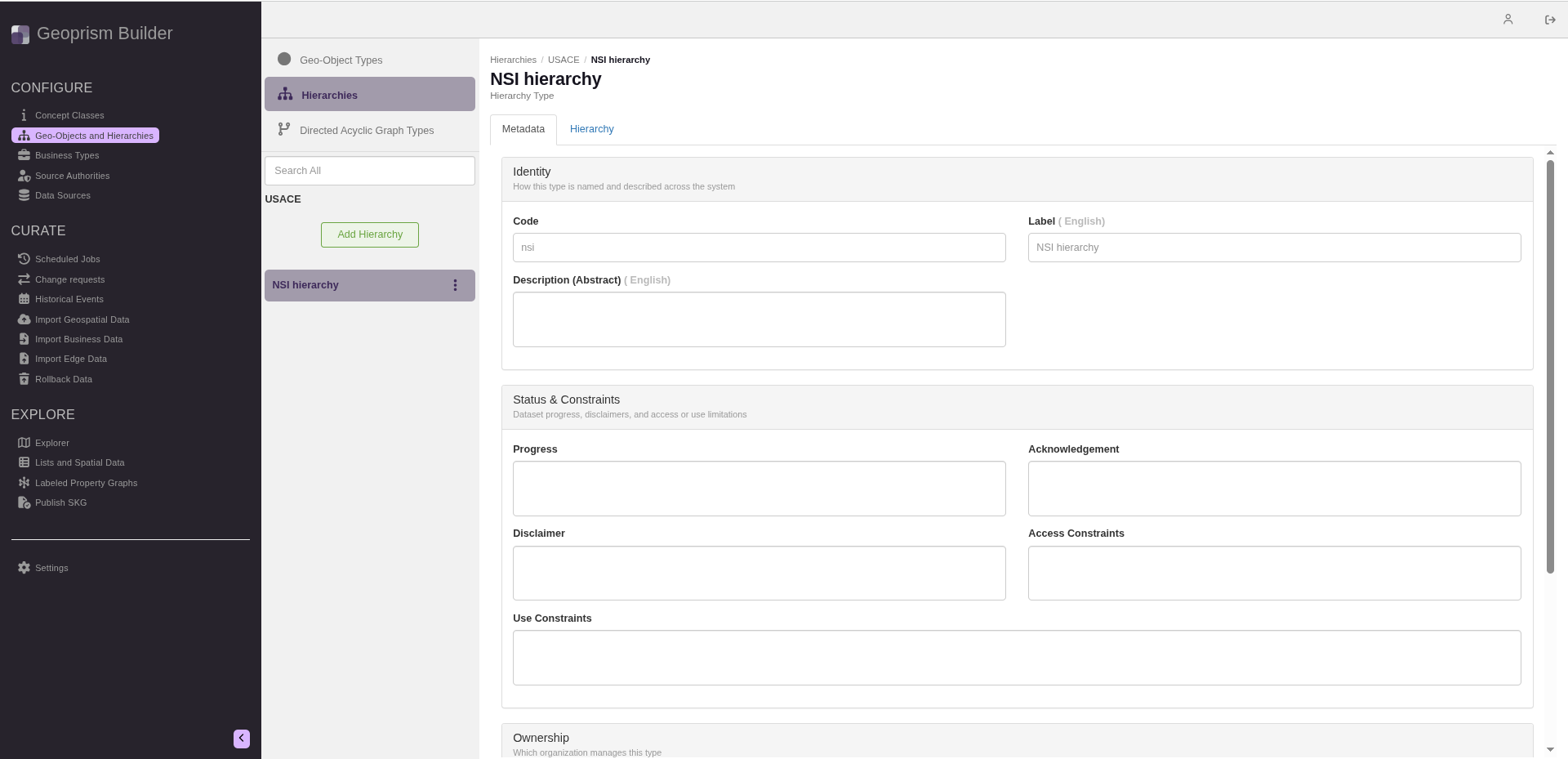
1. Navigate to the **Geo-Objects and Hierarchies** page from the sidebar and select **Hierarchies** at the top of the list.
2. Click the three-dot menu next to the hierarchy and select **Edit**.
IMPORTANT: Changes to the hierarchy structure are saved immediately. While the hierarchy is open for editing, the sidebar lists the Geo-Object Types you can add. When you're done, click Close to end the edit session and restore the sidebar.
3. Click the **Hierarchy** tab.
4. Drag a Geo-Object Type from the sidebar into the hierarchy area. In an empty hierarchy, drop it on **Drag Geo-Object Type to Hierarchy**. It becomes the top (root) of the hierarchy.
5. To add more Geo-Object Types, drag one onto a Geo-Object Type that's already in the hierarchy, and drop it on one of the areas that appear:
* **Add Child** adds it below.
* **Add Parent** adds it above. This is only offered on the root.
* **Intersect Child** inserts it between the Geo-Object Type and its children.
* **Intersect Parent** inserts it between the Geo-Object Type and its parent.
6. When you're done, click **Close**.
{% hint style="danger" %}
Rules for building a hierarchy:
1. A Geo-Object Type can only appear once in a hierarchy. A group and a Geo-Object Type in that group can't both be in the same hierarchy.
2. A group can only be a child. Nothing can be added below a group.
3. A public Geo-Object Type can't be a child of a private one.
4. A Geo-Object Type can have more than one child.
{% endhint %}
## Removing a Geo-Object Type from a hierarchy
{% hint style="warning" %}
When you remove a Geo-Object Type, its children move up to its parent. The links between its Geo-Objects and their parents in this hierarchy are deleted, and lists that use the hierarchy are marked as invalid.
{% endhint %}
1. Open the hierarchy for editing and click the **Hierarchy** tab, as in steps 1 to 3 above.
2. Click the gear icon on the Geo-Object Type you want to remove.
3. Under **Actions**, click **Remove from hierarchy**.
4. A message asks you to confirm that you want to remove the Geo-Object Type from the current hierarchy. Click **Submit**.
A Geo-Object Type can't be removed if another hierarchy inherits it (see below).
## Related hierarchies and inheritance
The gear icon on each Geo-Object Type also shows its **Related Hierarchies**: the other hierarchies that contain it. Click one to show it next to the hierarchy you're viewing, and click **Hide related hierarchy** to hide it again.
A hierarchy can continue from another one by inheriting it. For example, a health facility hierarchy whose root is District can inherit the administrative hierarchy above District, such as Province and Country.
* To inherit a hierarchy, show a related hierarchy in which your root Geo-Object Type has a parent. Then click the gear icon on your root and select **Inherit**. The inherited Geo-Object Types are labelled **(Inherited)**.
* To stop inheriting, click the gear icon on the Geo-Object Type below the inherited ones and select **Uninherit**.
Only the root of a hierarchy can inherit, and a hierarchy can inherit only one other hierarchy.