> For the complete documentation index, see [llms.txt](https://docs.geoprismregistry.com/llms.txt). Markdown versions of documentation pages are available by appending `.md` to page URLs; this page is available as [Markdown](https://docs.geoprismregistry.com/version/v2.0.0/configure/geo-objects-and-hierarchies/hierarchies/delete-a-hierarchy.md).
# Deleting a hierarchy
{% hint style="info" %}
Registry Administrators can delete hierarchies for the organization they are a part of.
{% endhint %}
{% hint style="warning" %}
Lists and spatial data that use the hierarchy are marked as invalid, and any hierarchy that inherits it stops inheriting. You don't need to remove the Geo-Object Types from the hierarchy first. A hierarchy that came from a different Geoprism Registry node can't be deleted.
{% endhint %}
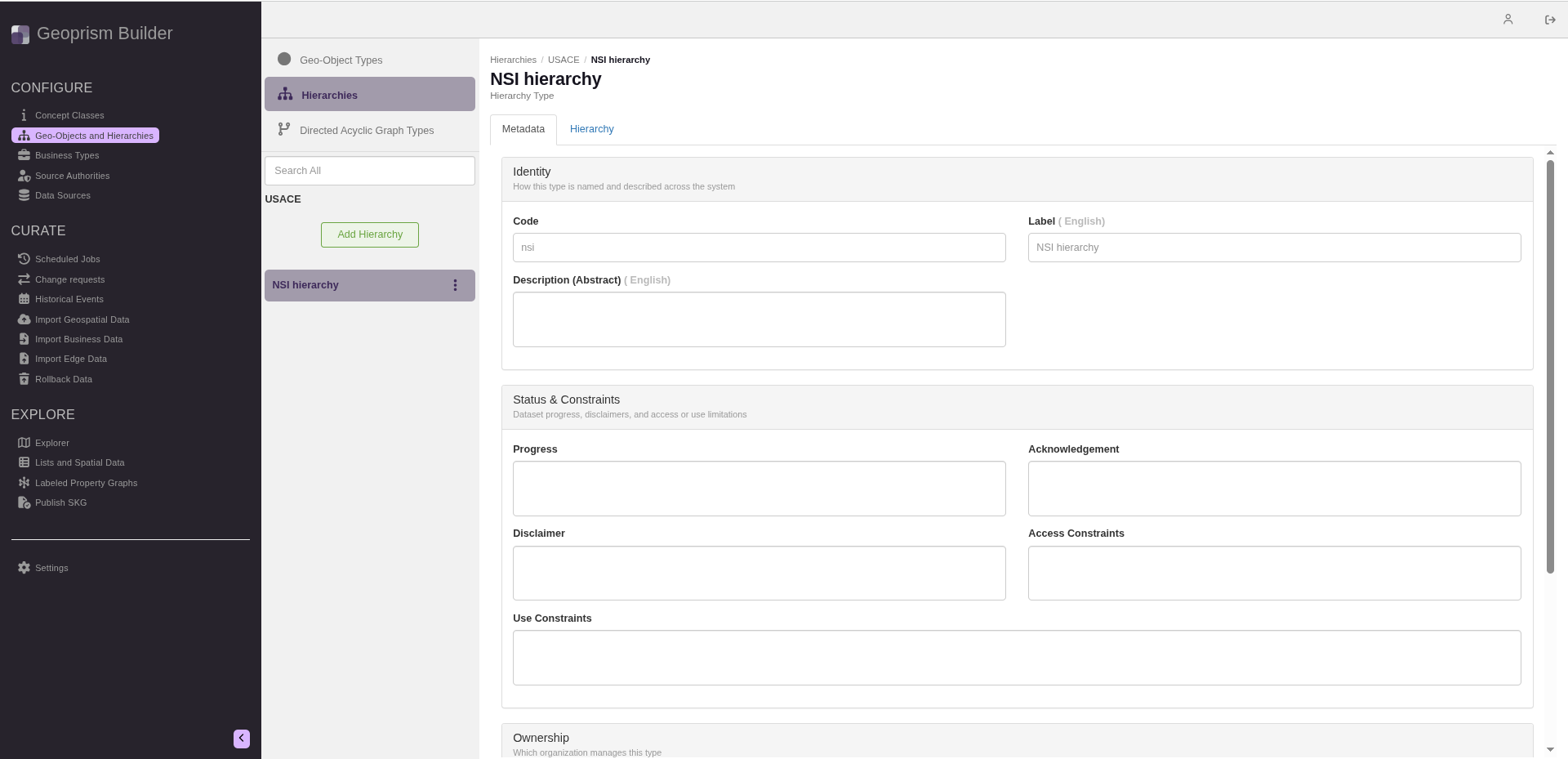
1. Navigate to the **Geo-Objects and Hierarchies** page from the sidebar and select **Hierarchies** at the top of the list.
2. Click the three-dot menu next to the hierarchy and select **Delete**.
3. A message asks you to confirm that you want to delete the hierarchy. Click **Delete**.